Azure Cognitive Search - GeographyPoint to GeoJSON in .NET 5
Microsoft.Spatial GeographyPoint to GeoJSON in .NET5 using System.Text.Json.
commit a90d3db · authored · 2 min read


Azure Cognitive Search Service supported data types includes Edm.GeographyPoint.
While creating index definition using attributes in C#, to specify the field type as Edm.GeographyPoint we can use the GeographyPoint as the type.
using Azure.Search.Documents.Indexes;using Microsoft.Spatial;
public class RestaurantIndexModel{    ...
    [SimpleField(IsFilterable = true, IsSortable = true)]    public GeographyPoint Location { get; set; }
    ...}
We need to have the NuGet package Microsoft.Spatial to use the GeographyPoint type.
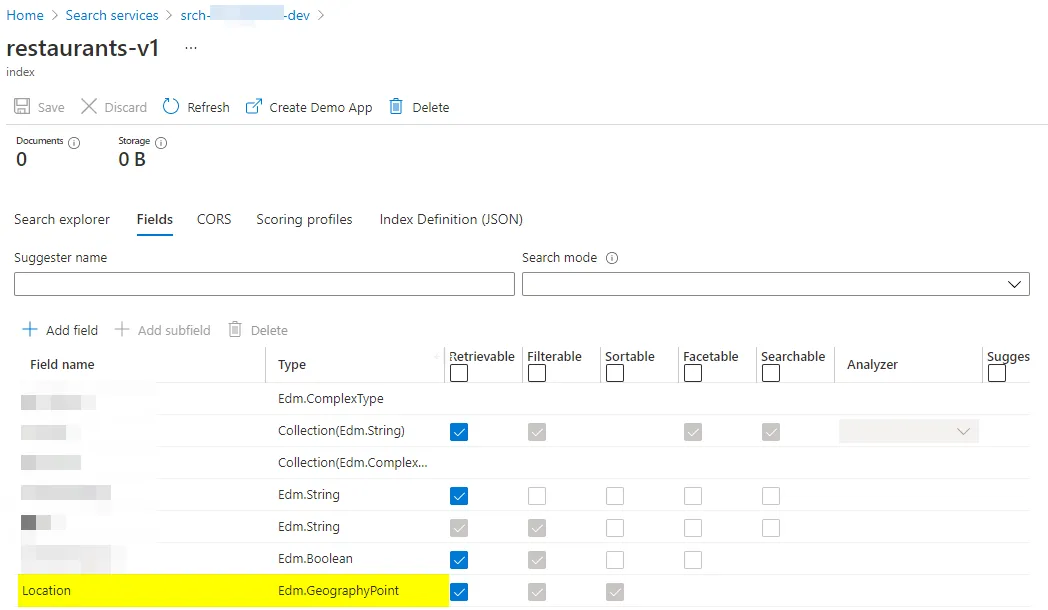
<PackageReference Include="Microsoft.Spatial" Version="7.8.3" />And with that, you can create the index definition,
But when you try to index a document with the same type,
restaurant.Location = GeographyPoint.Create(restaurantResult.Value.Latitude, restaurantResult.Value.Longitude);You may encounter the following issue,
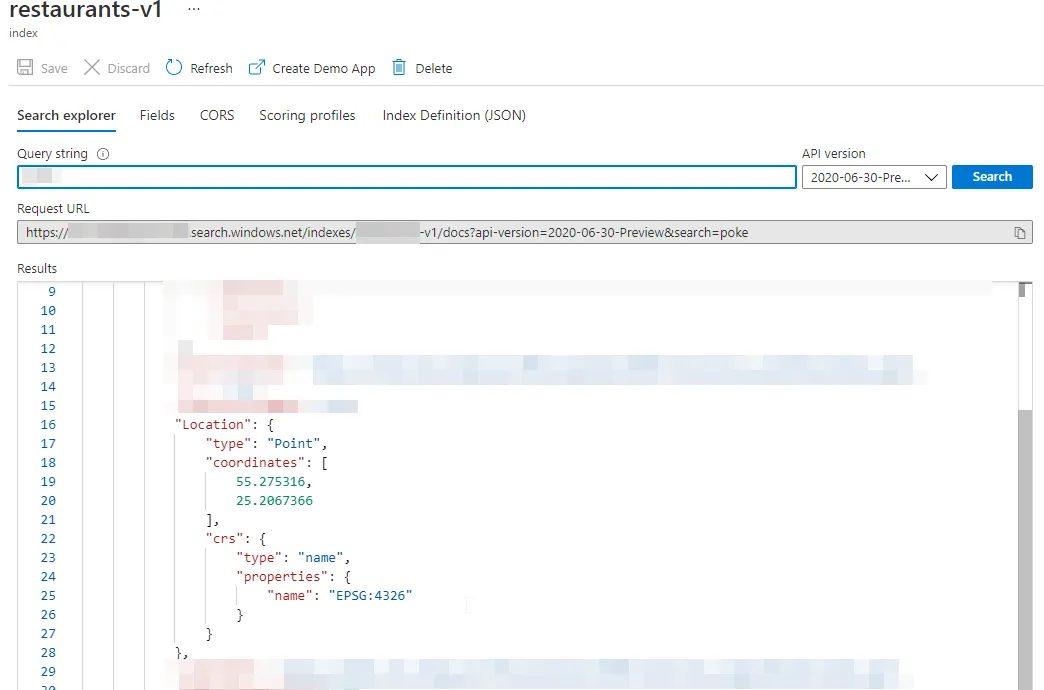
{ "error": { "code": "", "message": "The request is invalid. Details: parameters : Invalid GeoJSON. The 'type' member is required, but was not found.\r\n" }}The way you can fix this is by,
- Add the following NuGet package,
<PackageReference Include="Microsoft.Azure.Core.Spatial" Version="1.0.0" />And then annotate your index model to use the MicrosoftSpatialGeoJsonConverter as the JsonConverter by,
using System.Text.Json.Serialization;using Azure.Core.Serialization;using Azure.Search.Documents.Indexes;using Microsoft.Spatial;
public class RestaurantIndexModel{    ...
    [JsonConverter(typeof(MicrosoftSpatialGeoJsonConverter))]    [SimpleField(IsFilterable = true, IsSortable = true)]    public GeographyPoint Location { get; set; }
    ...}
That will do.